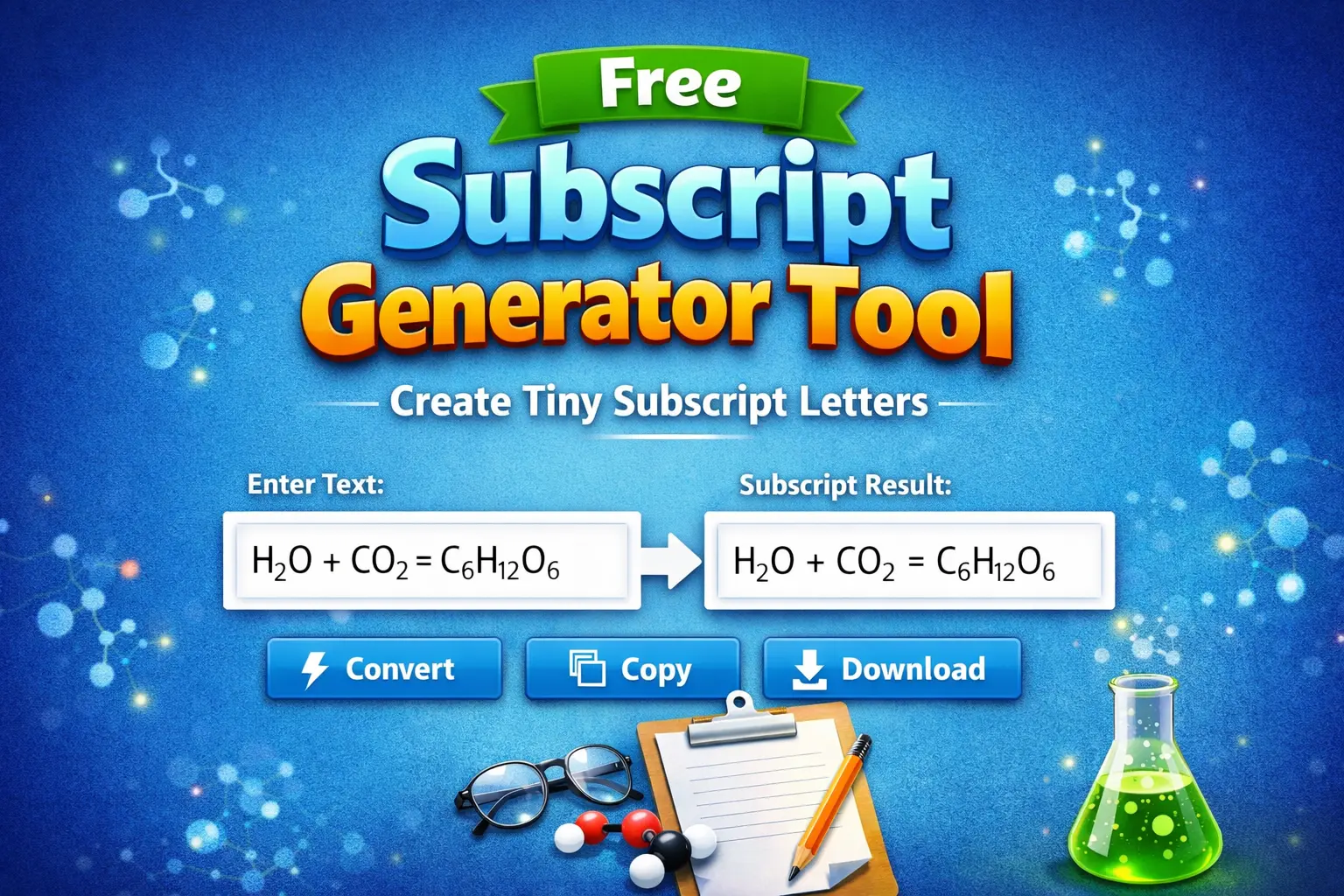
Free Subscript Generator Tool Create Tiny Subscript Text Instantly (No Errors, No Sign-Up)
Have you ever needed to write H₂O in a social media post, a document heading, or a bio — and realized your keyboard simply won’t cooperate? You’re not alone. Whether you’re a student writing chemical formulas, a math enthusiast, or a content creator trying to add that professional polish to your text, typing proper subscript characters can be a real headache.
That’s exactly where a subscript generator saves the day.
In this guide, you’ll learn what a subscript text generator is, how it works, why it matters, and how to use one without any frustrating errors or complicated steps. By the end, you’ll be copying and pasting perfect subscript letters in under ten seconds.
What Is a Subscript Generator?
A subscript generator is a free online tool that converts your regular typed text into subscript characters — small letters or numbers that sit slightly below the baseline of normal text. Think of the “2” in H₂O or the “4” in CH₄. These characters look like this: ₐ ₑ ₒ ₓ ₀ ₁ ₂ ₃.
Unlike superscript (which sits above the line, like an exponent), subscript sits below. Both have distinct uses across science, mathematics, linguistics, and design.
A good subscript text generator works by mapping your standard keyboard characters to their Unicode subscript equivalents. The result is text that renders as tiny subscript on virtually any platform — from Instagram and Twitter to Word documents, Discord, and beyond.
Why You Can’t Just Use Your Keyboard for Subscript Letters
Most keyboards and standard text editors don’t offer a direct key for subscript letters. While software like Microsoft Word has a subscript formatting button (Ctrl + =), that formatting disappears the moment you copy and paste the text outside of Word. The text reverts back to normal size.
That’s the fundamental problem. Formatted subscript isn’t truly subscript — it’s just styled text that won’t survive a copy-paste to WhatsApp, Reddit, a website bio, or a social media caption.
Unicode subscript characters, on the other hand, are actual characters in the universal text standard. They look like tiny text everywhere because they are a different character — not just a styling trick. A subscript letters generator produces these real Unicode characters, so your text looks correct no matter where you paste it.
Who Needs a Tiny Letter Generator?
You might be surprised at just how wide the use case is:
Students and educators writing chemical formulas (H₂SO₄, CO₂), mathematical notation, or linguistic phonetics need subscript characters all the time. A tiny letter generator makes this quick work without needing LaTeX or special software.
Content creators and social media managers use subscript text to add stylistic flair or scientific accuracy to captions, usernames, and bios that don’t support rich-text formatting.
Writers and bloggers working on science topics, technical guides, or notation-heavy content need a reliable way to include subscript without breaking their workflow.
Developers and designers use subscript characters in UI mockups, presentation slides, or documentation where formatting tools are limited.
Gamers and Discord users love customizing their usernames and messages with unique tiny text styles.
How to Use a Subscript Text Generator (Step-by-Step)
Using a subscript text generator is about as simple as it gets. Here’s how the process typically works:
Step 1 — Open the Tool Navigate to the subscript generator in your browser. No download, no installation, no account required.
Step 2 — Type or Paste Your Text Enter the text you want to convert in the input field. This can be letters, numbers, or a combination. For example, type “H2O” and the tool will map “2” to its Unicode subscript equivalent: H₂O.
Step 3 — Copy Your Subscript Text Once the conversion happens (it’s usually instant), click the “Copy” button. Your tiny subscript text is now on your clipboard.
Step 4 — Paste Anywhere Paste the result into any platform — social media, documents, messaging apps, or websites. The subscript will appear exactly as intended, every time.
That’s it. No formatting menus, no shortcut memorization, no compatibility issues.
What Can You Convert with a Subscript Generator?
Most quality tools support a range of subscript characters drawn from the Unicode standard. Here’s what you can typically convert:
Numbers: ₀ ₁ ₂ ₃ ₄ ₅ ₆ ₇ ₈ ₉ — ideal for chemical formulas and mathematical expressions.
Lowercase letters: ₐ ₑ ᵢ ₒ ᵤ ₓ and more — useful for linguistic notation and algebraic variable notation.
Common symbols: Some generators also support parentheses and plus/minus signs in subscript form.
It’s worth noting that Unicode subscript coverage isn’t complete for all letters of the alphabet. A reliable small font copy paste tool will let you know which characters are supported and may offer fallback options for unsupported ones — rather than silently producing incorrect output.
Subscript vs. Superscript: What’s the Difference?
Since these two concepts often come up together, here’s a quick distinction:
| Feature | Subscript | Superscript |
| Position | Below the baseline | Above the baseline |
| Example | H₂O (water) | x² (x squared) |
| Common uses | Chemistry, linguistics | Math, footnotes, ordinals |
| Unicode support | Partial | Partial |
If you ever need superscript characters — like exponents (x², y³) or ordinal indicators (1ˢᵗ, 2ⁿᵈ) — check out the free superscript generator tool which works on the same principle but produces characters that sit above the text line.
Both tools complement each other well and cover the full range of scientific and mathematical notation needs.
Common Mistakes to Avoid When Using a Tiny Font Generator
Even with a simple tool, a few pitfalls are worth knowing about:
Assuming all letters are available in subscript. Unicode doesn’t have subscript versions of every letter. If a character isn’t available, a good tool will flag it rather than substitute something incorrect. Always double-check your output before publishing.
Mixing formatted text with Unicode subscript. If you copy subscript from a word processor and combine it with Unicode-generated subscript from a generator, the two may look inconsistent. Stick to one method.
Using subscript for decorative purposes in formal documents. In academic papers or technical documents, proper LaTeX or document-level formatting is typically preferred. Reserve Unicode subscript for informal or social contexts.
Forgetting that some platforms strip Unicode. While most modern platforms handle Unicode well, a small number of older systems or CMS platforms may not render uncommon Unicode characters correctly. Test before publishing to a new platform.
Why Use a Free Subscript Tool Instead of Keyboard Shortcuts?
You might know that Alt codes or keyboard shortcuts exist for some special characters. So why use an online tool? A few reasons:
Coverage: Keyboard shortcuts cover a limited set of characters. A tiny font generator maps a broad range of characters automatically without requiring you to memorize codes.
Speed: Typing Alt+8322 for “₂” every time is slow and error-prone. The generator handles it in one click.
Platform independence: Keyboard shortcuts vary by operating system and don’t work consistently across Windows, macOS, and mobile. A browser-based generator works identically everywhere.
No errors: A well-built tool validates its output, so what you see in the preview is exactly what you’ll get when you paste — no surprises.
Frequently Asked Questions
What is a subscript generator used for?
A subscript generator converts regular text into Unicode subscript characters — tiny letters and numbers that appear below the text baseline. It’s commonly used for writing chemical formulas (like H₂O), mathematical notation, phonetic transcription, and stylized social media text that can be copied and pasted anywhere.
Is a subscript text generator free to use?
Yes. Most online subscript generators are completely free with no sign-up required. You simply visit the tool, type your text, and copy the result. There are no hidden fees or usage limits.
Why does my subscript text disappear when I copy it from Word?
Microsoft Word uses formatting-based subscript, which is tied to the document’s style settings. When you paste that text into a plain-text field (like a social media box or a messaging app), the formatting is stripped. A Unicode subscript generator solves this by using actual subscript characters, not styling.
Can I use subscript letters in Instagram or Twitter bios?
Yes! Because the subscript letters produced by a generator are real Unicode characters, they work in most social media bios, captions, and posts — including Instagram, Twitter/X, Facebook, Discord, and Reddit.
What’s the difference between subscript and a tiny font generator?
A tiny font generator is a broader term that can refer to tools that produce various small or stylized text styles, including subscript, superscript, and other Unicode text styles. A subscript generator is specifically focused on producing characters that render below the text baseline according to the Unicode standard.
Conclusion: Start Using a Subscript Generator Today
Whether you’re formatting a chemistry equation, personalizing a social media profile, or simply trying to get your text to look exactly right, a free subscript generator removes every barrier between you and perfect subscript text. No software to install, no formatting tricks that break on copy-paste, no errors.
Just type, convert, and copy — in seconds.
Ready to give it a try? Head over to the subscript generator tool, enter your text, and see the difference that proper Unicode subscript characters make. And if you ever need the flip side — tiny text that sits above the line — the free superscript generator tool has you covered with the same speed and simplicity.
Bookmark both tools and you’ll never struggle with special notation again.